Calorie Counter for Weight Loss: A Simple System That Works
How to use a calorie counter for weight loss: set a realistic target, log quickly, read your weekly trend and adjust without crash dieting.
By Ayoub Farid · · 2 min read

A calorie counter doesn't make you lose weight on its own. What it does is make your eating visible, so you can create a modest, steady calorie deficit and see whether it's working. Here's a simple system that works for most people.
Step 1: Find a realistic daily target
Your body burns a certain number of calories per day, called your TDEE (total daily energy expenditure). To lose weight you eat somewhat less than that.
- A deficit of about 300–500 kcal per day is a sensible starting point for most adults.
- That usually leads to roughly 0.25–0.5 kg (0.5–1 lb) per week, though real results vary.
- Avoid going below about 1,200 kcal (women) or 1,500 kcal (men) without medical supervision. See is 1200 calories too low.
Not sure about your numbers? Read TDEE explained and how many calories should I eat.
Step 2: Log every meal, quickly
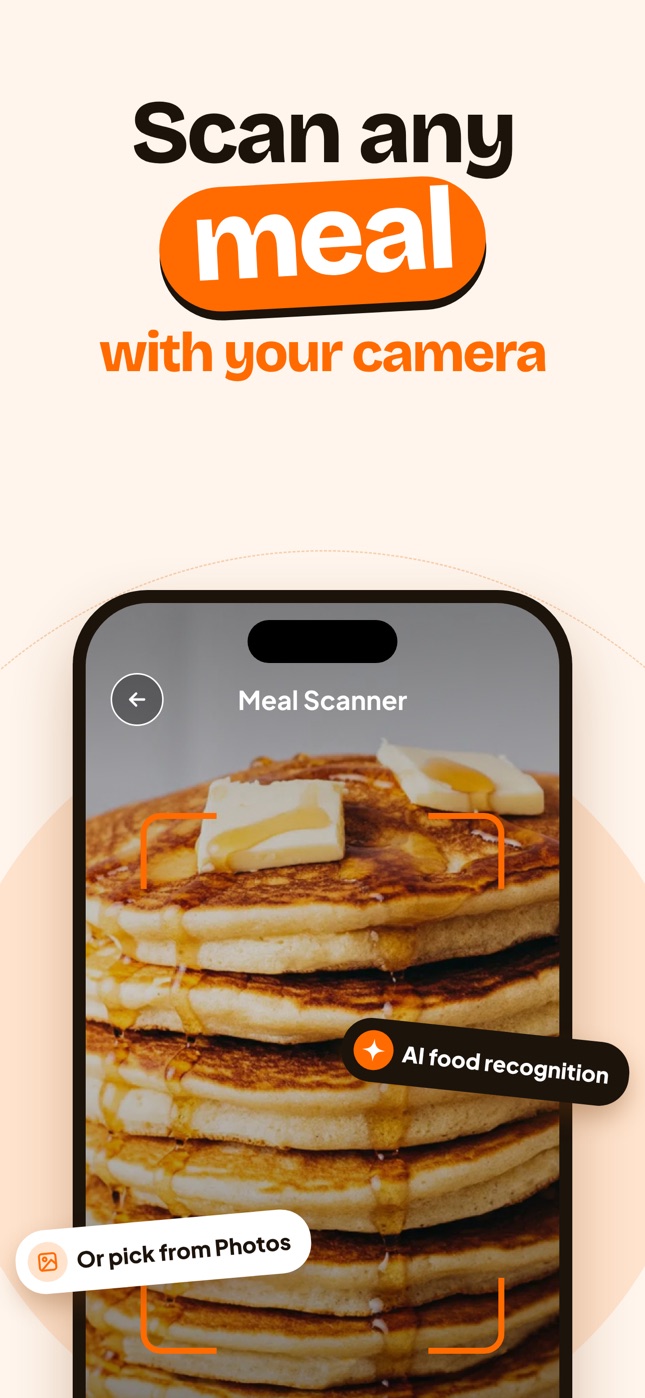
The best calorie counter for weight loss is the one you use every day. Photo logging helps because it takes seconds. Whatever you use:
- Log before you eat, not at night from memory.
- Include drinks, sauces, cooking oil and snacks.
- Don't skip "bad" days. Those are the most informative.
Step 3: Prioritize protein and fiber
Two days with the same calories can feel very different. Protein and fiber keep you fuller:
- Aim for a protein source at every meal. See how much protein do I need.
- Fill half your plate with vegetables or fruit when you can.
Step 4: Judge by the weekly trend
Daily weight jumps around by 0.5–2 kg because of water, salt and digestion. Weigh yourself under the same conditions (e.g. mornings, after the bathroom) a few times a week and compare weekly averages. Read how often to weigh yourself.
Step 5: Adjust every 2–4 weeks
| What you see after 3–4 weeks | What to do |
|---|---|
| Losing 0.25–1% of body weight per week | Keep going |
| No change | Check logging accuracy, then reduce by 100–200 kcal |
| Losing very fast and feeling exhausted | Eat a little more |
Plateaus are normal; see weight loss plateau.
Common mistakes
- Setting an extreme target and quitting after a week.
- Not counting oils, dressings and drinks.
- Compensating for "earned" exercise calories too generously.
- Only tracking weekdays. Read weekend overeating.
Using Nutora for weight loss
Nutora asks about your goal, body and activity and builds a daily calorie and macro plan, including an estimated date to reach your goal. Each photo shows what's left for today, and the weight log shows your trend.
Frequently asked questions
How many calories should I eat to lose weight?
Typically 300–500 kcal below your maintenance calories. Calculate your TDEE first, then adjust based on your weekly trend.
Is counting calories the best way to lose weight?
It's one of the most reliable ways to understand intake. Some people prefer simpler methods; the best method is the one you can keep doing.
How long before I see results?
Give it 3–4 weeks of consistent logging before judging, because daily weight fluctuates.
Do I need to count calories forever?
No. Many people track for a few months to learn portions, then track occasionally to check in.
Track it with a photo
Snap your meal, see the calories
Nutora's AI estimates calories, protein, carbs and fat from a photo of your plate and tracks them against your daily goal. Download on iPhone and iPad with a 3-day free trial.
Download on theApp Store