AI Calorie Counter: How Photo Calorie Tracking Works in 2026
What an AI calorie counter does, how it estimates calories from a meal photo, where it's accurate, where it isn't, and how to get reliable numbers.
By Ayoub Farid · · 4 min read
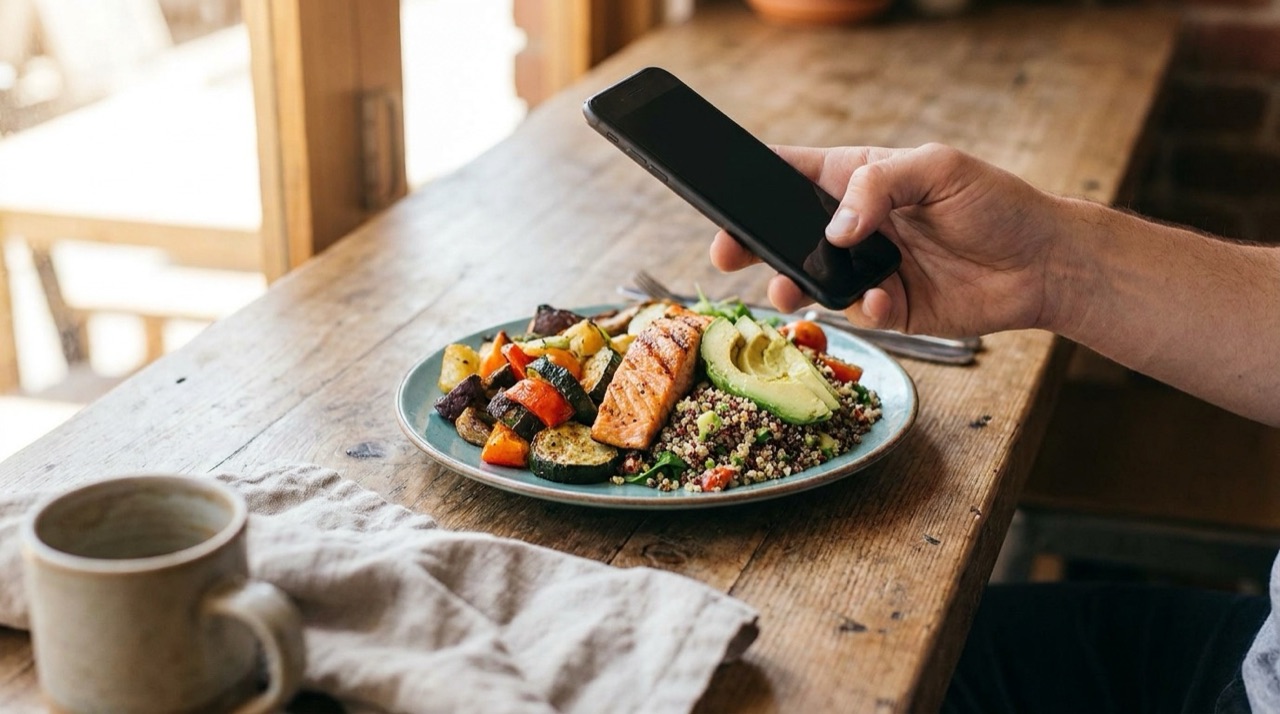
Counting calories used to mean searching a food database, guessing which of 40 "chicken salad" entries matched your plate, and weighing ingredients on a kitchen scale. Most people quit within a few weeks. An AI calorie counter removes the most tedious part: you take a photo, and the app does the lookup for you.
This guide explains what an AI calorie counter actually does, how accurate it is, and how to use one so the numbers are good enough to guide real decisions.
What is an AI calorie counter?
An AI calorie counter is an app that estimates the calories and nutrients in a meal from a photo (and sometimes from a text description). Instead of you logging each ingredient, a computer-vision model identifies the foods on the plate, estimates how much of each is there, and converts that into calories, protein, carbohydrates and fat.
Apps like Nutora combine that estimate with a personal daily target, so every scan immediately shows how much you have left for the day.
How it works, step by step
1. Recognizing the foods
The model looks at shapes, colors and textures and labels what it sees: grilled chicken, rice, broccoli, a drizzle of sauce. Modern models handle mixed dishes such as curries, poke bowls or tagines far better than the first generation of food apps did.
2. Estimating portion size
This is the hardest step. The AI uses visual cues such as the plate size, cutlery and how high the food is piled to estimate grams or servings. It's also where most errors come from (we cover this in detail in how accurate AI calorie trackers are).
3. Converting to nutrition
Once it knows "about 150 g of cooked rice", the app converts that into calories and macros using standard nutrition values. Cooked white rice, for example, is roughly 130 kcal per 100 g.
4. Letting you correct it
A good AI calorie counter shows its estimate and lets you change the number of servings or any value. That correction step is what turns a rough estimate into a log you can trust.
AI calorie counter vs. traditional food logging
| AI photo logging | Manual database logging | |
|---|---|---|
| Time per meal | A few seconds | 1–5 minutes |
| Mixed and restaurant dishes | Good, estimated as a whole | Hard, many ingredients |
| Precision for packaged food | Approximate | Exact label values |
| Hidden oil, butter, sauces | Can be missed | Missed too, unless you add them |
| How long people keep doing it | Usually longer | Often drops off after weeks |
The honest takeaway: manual logging with a food scale is more precise, but only if you actually do it. For most people, a fast estimate logged every day beats a perfect log abandoned after two weeks.
How to get accurate results
- Shoot from about 45 degrees in good light, with the whole plate in frame.
- Photograph before you eat, not halfway through.
- Separate foods when you can. Food that's piled together is harder to read.
- Mention or add hidden extras. Cooking oil, butter, dressing and sugar in drinks add a lot of calories and often aren't visible.
- Adjust servings. If you ate half of a shared plate, set the serving to 0.5.
Who an AI calorie counter is for
- People who tried calorie counting before and found it too slow.
- Anyone who eats out often or cooks mixed dishes that are painful to log.
- People who mainly want awareness ("how big is this meal really?") rather than gram-level precision.
If you're managing a medical condition or an eating disorder, work with a doctor or registered dietitian. Calorie tracking isn't right for everyone.
Try it with Nutora
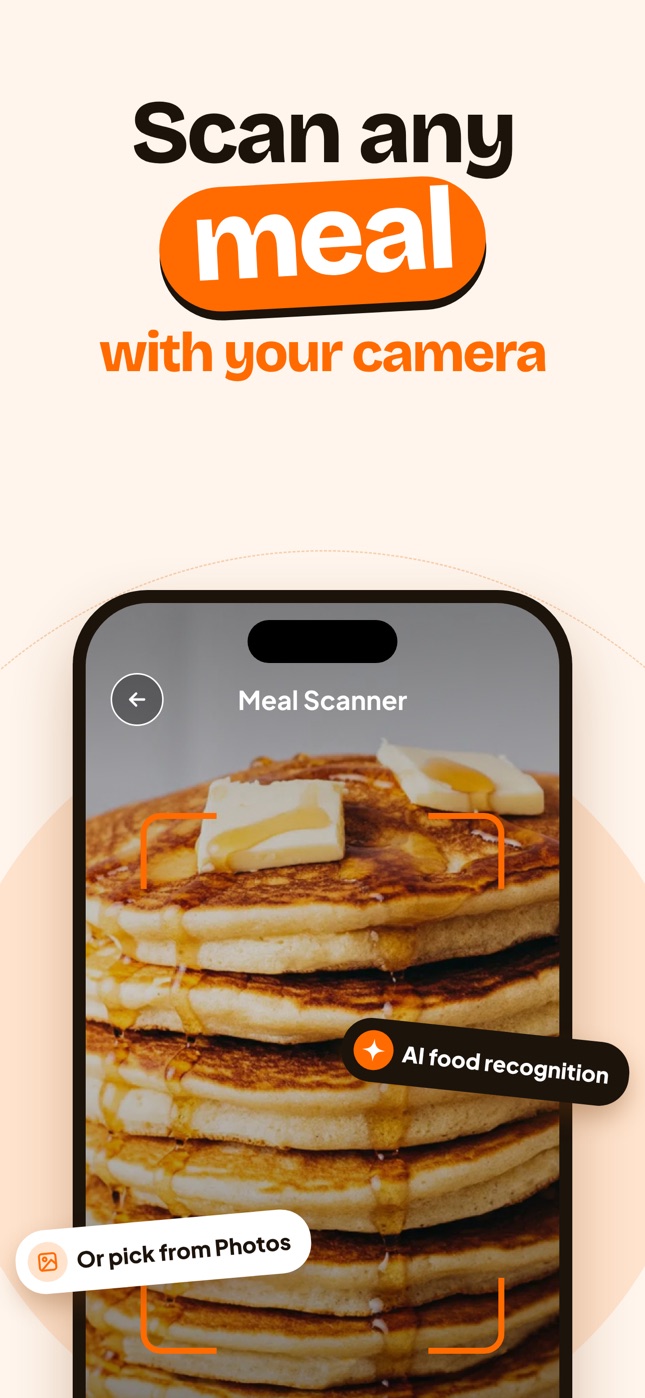
Nutora is an AI calorie counter for iPhone and iPad. Snap a photo or pick one from your library, and it estimates calories, protein, carbs and fat plus a health score, then adds the meal to your day. Start with our beginner's guide to counting calories or see how it compares in the best calorie tracker apps for iPhone.
Frequently asked questions
Is an AI calorie counter accurate?
It's accurate enough for everyday tracking when the food is clearly visible, and less precise for hidden fats, sauces and fillings. Expect a reasonable estimate, not a lab measurement, and correct values you know.
Can AI count calories from a picture?
Yes. The app identifies the foods, estimates portion sizes and converts them to calories and macros using standard nutrition data.
Is AI calorie counting better than manual tracking?
It's faster and easier to stick with. Manual tracking with a scale is more precise. Many people use photo logging day to day and weigh food only when precision matters.
Do I still need a food scale?
No, but it helps if you want to check the AI's portion estimates for foods you eat often.
Track it with a photo
Snap your meal, see the calories
Nutora's AI estimates calories, protein, carbs and fat from a photo of your plate and tracks them against your daily goal. Download on iPhone and iPad with a 3-day free trial.
Download on theApp Store