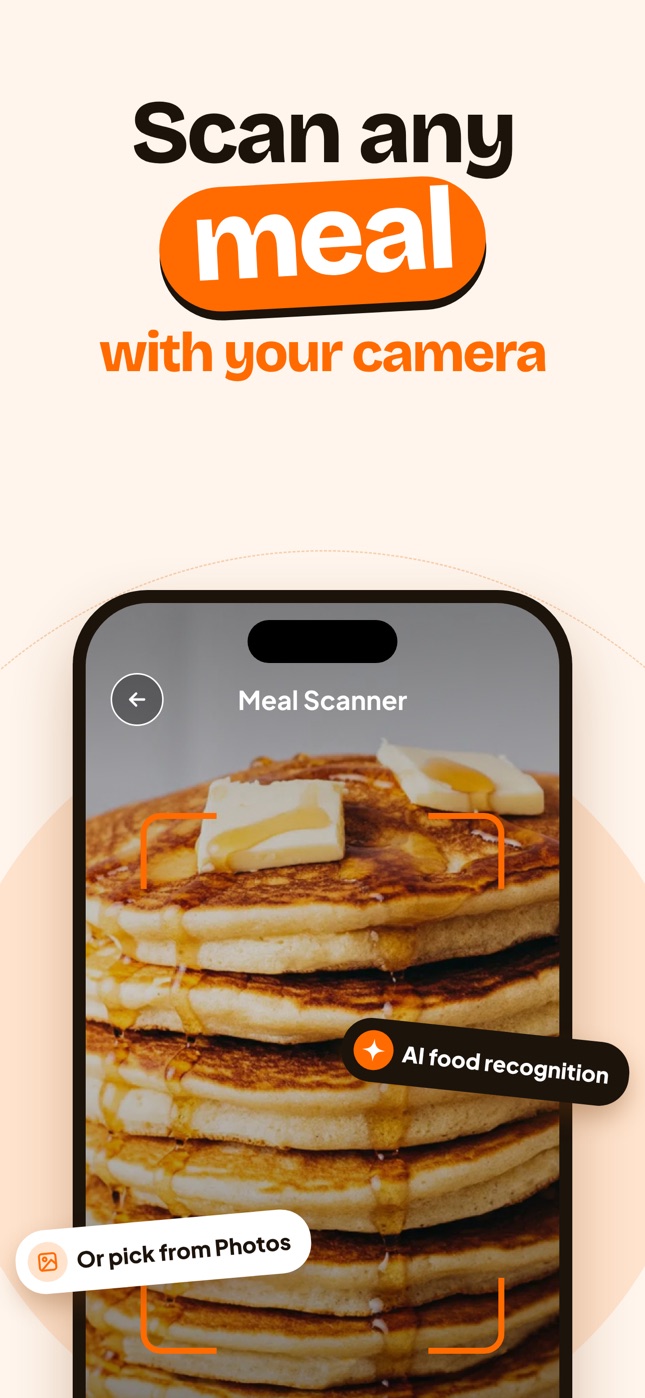
How to Count Calories From a Photo (Step-by-Step Guide)
Learn how to count calories from a photo of your meal: how to take the picture, check the AI's estimate, fix portions and build a daily habit.
By Ayoub Farid · · 3 min read
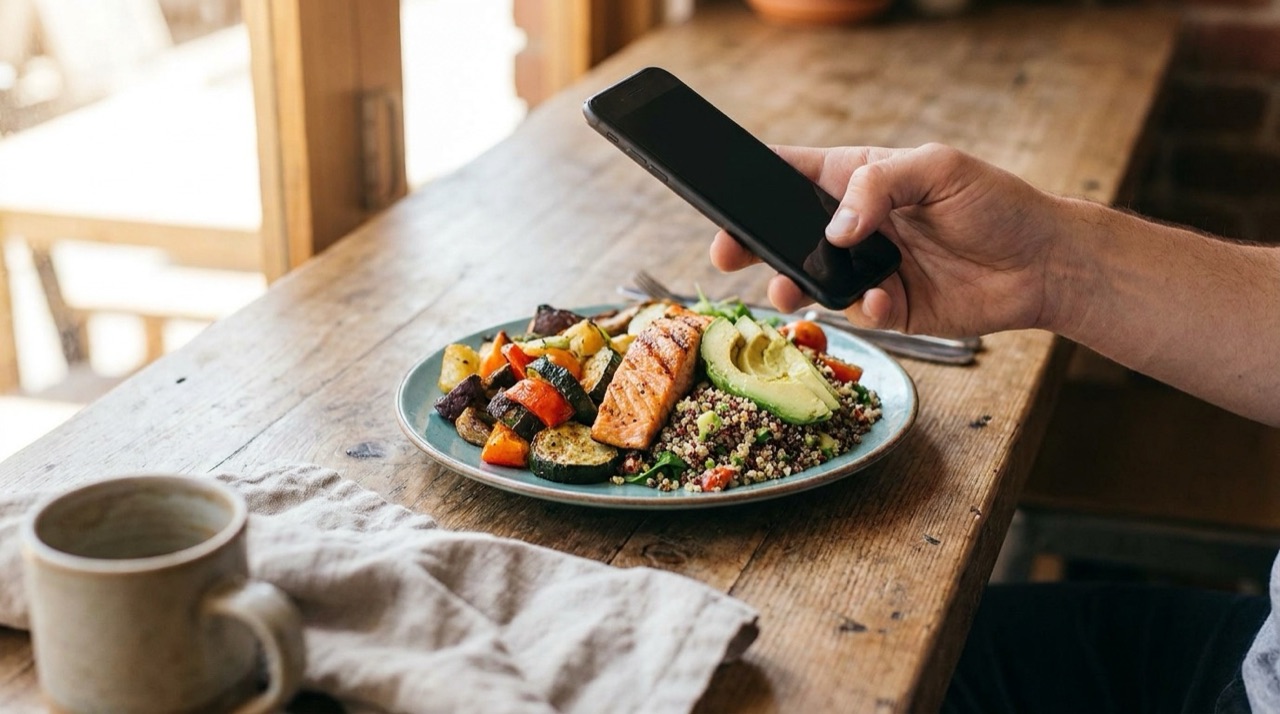
"Calorie counter with pictures" is one of the most common things people type into Google when they look for a tracking app, in English and in almost every other language. The reason is simple: taking a photo is something you already do at the table. Logging ingredients is not.
Here is exactly how to count calories from a photo so the numbers are actually useful.
What you need
- A phone with a decent camera (any recent iPhone works).
- An app that estimates calories from images, such as Nutora.
- Your daily calorie target. If you don't know it, read how many calories you should eat.
Step 1: Take a clear photo
The AI can only estimate what it can see.
- Light: daylight or a bright room. Avoid dark restaurant corners and harsh flash.
- Angle: about 45 degrees so the model sees both the top and the height of the food. Straight top-down shots hide how tall a pile of rice or pasta is.
- Frame: the whole plate, and ideally a fork or glass for scale.
- Timing: before the first bite.
You can also pick a photo you already took from your camera roll, which is handy if you forgot to log at lunch.
Step 2: Read the estimate
After the scan you'll see the dish name, calories, protein, carbs and fat. Check three things:
- Did it recognize the food? "Chicken tikka with rice" vs. "curry" matters.
- Does the portion look right? One serving of pasta in a restaurant is often two servings at home.
- Is anything missing? Oil, butter, dressing, a sugary drink or a side of bread.
Step 3: Adjust
- Change servings if you ate more or less than shown (e.g. 1.5 for a big plate, 0.5 for half).
- Edit a value when you know it: a protein bar label, a measured cup of oats.
- Add a note ("cooked in 1 tbsp olive oil") so future you remembers.
One tablespoon of oil is about 120 kcal. That's the single most common thing photos miss.
Step 4: Let the app do the daily math
Each meal is added to your day, so you can see calories and macros left. This is where photo logging pays off: by dinner you know whether you have room for dessert or should go lighter.
Tips for tricky foods
Mixed dishes (stews, curries, casseroles)
Take the photo in a shallow bowl rather than a deep one, and adjust servings if the bowl was refilled.
Drinks
Coffee drinks, smoothies and alcohol look similar but differ hugely. See calories in coffee drinks and calories in beer and wine.
Restaurant meals
Portions and cooking fat are bigger than at home. Our guide to tracking calories when eating out covers the details.
Packaged foods
Use the label values. They are more precise than any estimate.
How accurate is it?
Photo estimates are approximate. They do well on clearly visible foods and typical portions and struggle with hidden fats and fillings. We go deeper in how accurate AI calorie trackers are. The practical answer: consistent, roughly right logging beats precise logging you give up on.
Try it with Nutora
Nutora turns a meal photo into calories, protein, carbs, fat and a health score in seconds, then tracks it against your personal goal. It's available for iPhone and iPad with a 3-day free trial.
Frequently asked questions
Can I count calories from a photo I already took?
Yes. In Nutora you can pick a photo from your library instead of using the camera.
What angle is best for food photos?
About 45 degrees, with the whole plate visible and good light.
Does photo calorie counting work for drinks?
It can recognize common drinks, but milk, syrups and sugar change the calories a lot, so check and adjust.
Should I photograph every meal?
Every meal and snack you can. Small untracked bites add up over a day.
Track it with a photo
Snap your meal, see the calories
Nutora's AI estimates calories, protein, carbs and fat from a photo of your plate and tracks them against your daily goal. Download on iPhone and iPad with a 3-day free trial.
Download on theApp Store