How Accurate Are AI Calorie Trackers? An Honest Answer
How accurate AI calorie trackers really are, which foods they get right or wrong, why portion size causes most errors, and 7 ways to improve your estimates.
By Ayoub Farid · · 3 min read
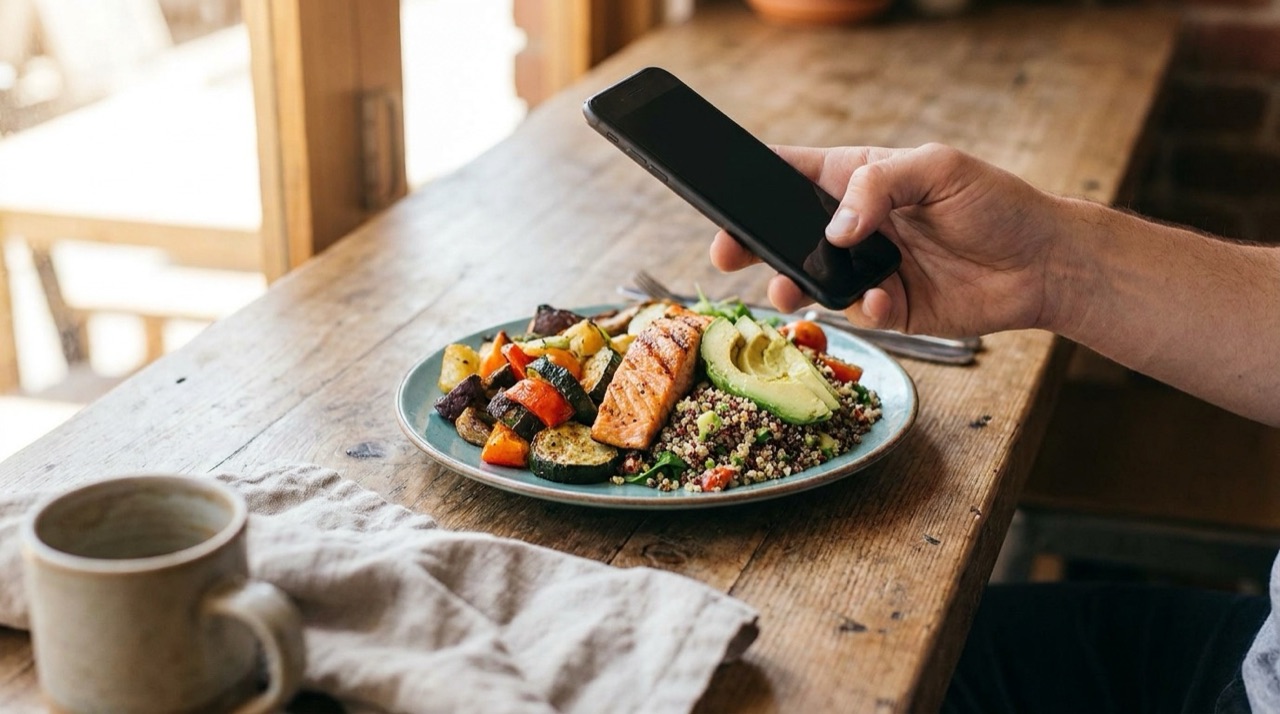
"Is it accurate?" is the first question anyone asks about photo-based calorie counting, and the right answer is: accurate enough for some foods, rough for others, and much more useful than not tracking at all. Here's what that means in practice.
What independent tests tend to show
Published comparisons of AI photo trackers in 2025–2026 generally report average errors in the range of roughly 10–20% per meal, with much bigger misses on individual dishes that hide fat or filling. Results vary between apps, test meals and how portions were measured, so treat any single number (including marketing claims of "97% accuracy") with caution.
For context, manual tracking isn't perfect either. Studies of self-reported food diaries regularly find people under-report intake, often by a sizable margin, mostly by forgetting items and underestimating portions.
Foods AI usually gets right
- Whole fruits and vegetables (a banana, an apple, a side salad).
- Simple proteins: eggs, grilled chicken breast, a salmon fillet.
- Standard dishes: a slice of pizza, a burger, a bowl of oatmeal.
- Clearly separated plates where each food is visible.
Foods AI often gets wrong
- Anything fried or sautéed. The oil is invisible. One tablespoon adds about 120 kcal.
- Creamy sauces and dressings. Caesar, carbonara, curry made with cream.
- Stuffed foods: burritos, dumplings, sandwiches, pies.
- Drinks: a latte with whole milk and syrup vs. a black coffee.
- Very large or very small portions that don't fit typical serving sizes.
Why portion size causes most errors
Recognizing "pasta" is easy. Knowing whether it's 150 g or 300 g from a single 2D photo is hard. A deep bowl hides depth, a small plate makes a portion look bigger, and restaurant servings are often two to three times a home serving. That's why every scan should let you adjust servings.
Does a 15% error ruin your progress?
Usually not, for two reasons:
- Errors partly cancel out. Some meals are overestimated, some underestimated.
- Your trend is the real feedback. If you aim for a calorie deficit and your weight trend doesn't move after 3–4 weeks, you adjust the target. Consistent logging still shows you which way to adjust.
Where small errors do matter: if you're very close to maintenance, very small, or tracking for a medical reason. Use a scale for the foods you eat most often in those cases.
7 ways to make AI estimates more accurate
- Photograph at 45° in good light.
- Keep the whole plate and a fork in frame.
- Snap before eating.
- Separate foods on the plate when possible.
- Correct wrong food labels immediately.
- Adjust servings for big, shared or partial portions.
- Add cooking fat, dressings and sugary drinks manually.
For a step-by-step routine see how to count calories from a photo, and common slip-ups in calorie counting mistakes.
Try it with Nutora
Nutora gives you an editable estimate, not a black box: change servings, fix any value, add notes, and the day's totals update instantly.
Frequently asked questions
Are AI calorie apps accurate enough to lose weight?
For most people, yes. Consistent, roughly accurate logging plus watching your weight trend works better than precise logging you stop doing.
Which is more accurate, photo logging or a food scale?
A food scale with exact label values is more precise. Photo logging is faster, which helps you stay consistent.
Why does the app underestimate my restaurant meals?
Restaurants use more oil, butter and larger portions than the AI can see. Increase servings or add extra fat.
Do AI calorie counters get better over time?
The underlying models keep improving, and your own corrections make your log more accurate day to day.
Track it with a photo
Snap your meal, see the calories
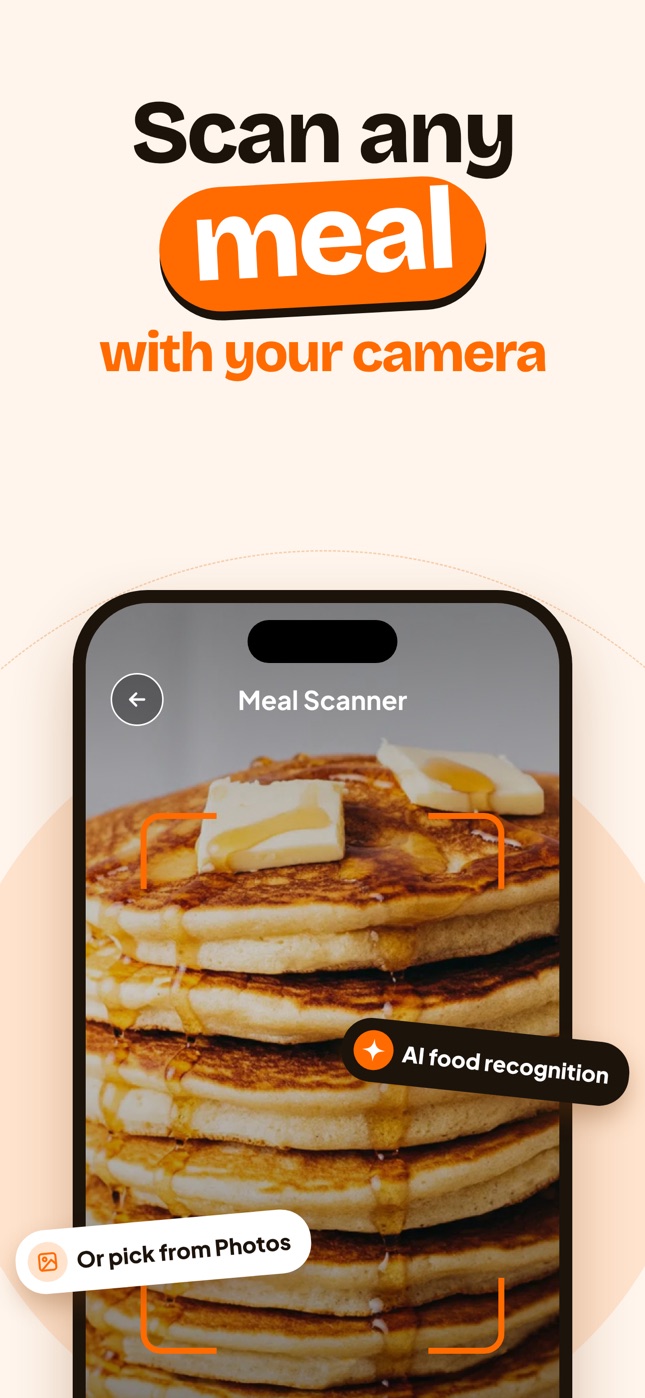
Nutora's AI estimates calories, protein, carbs and fat from a photo of your plate and tracks them against your daily goal. Download on iPhone and iPad with a 3-day free trial.
Download on theApp Store