Best Calorie Tracker Apps for iPhone in 2026 (Compared)
Comparing the best calorie tracker apps for iPhone in 2026: photo AI vs. database logging, what each does best, price models, and how to choose.
By Ayoub Farid · · 2 min read
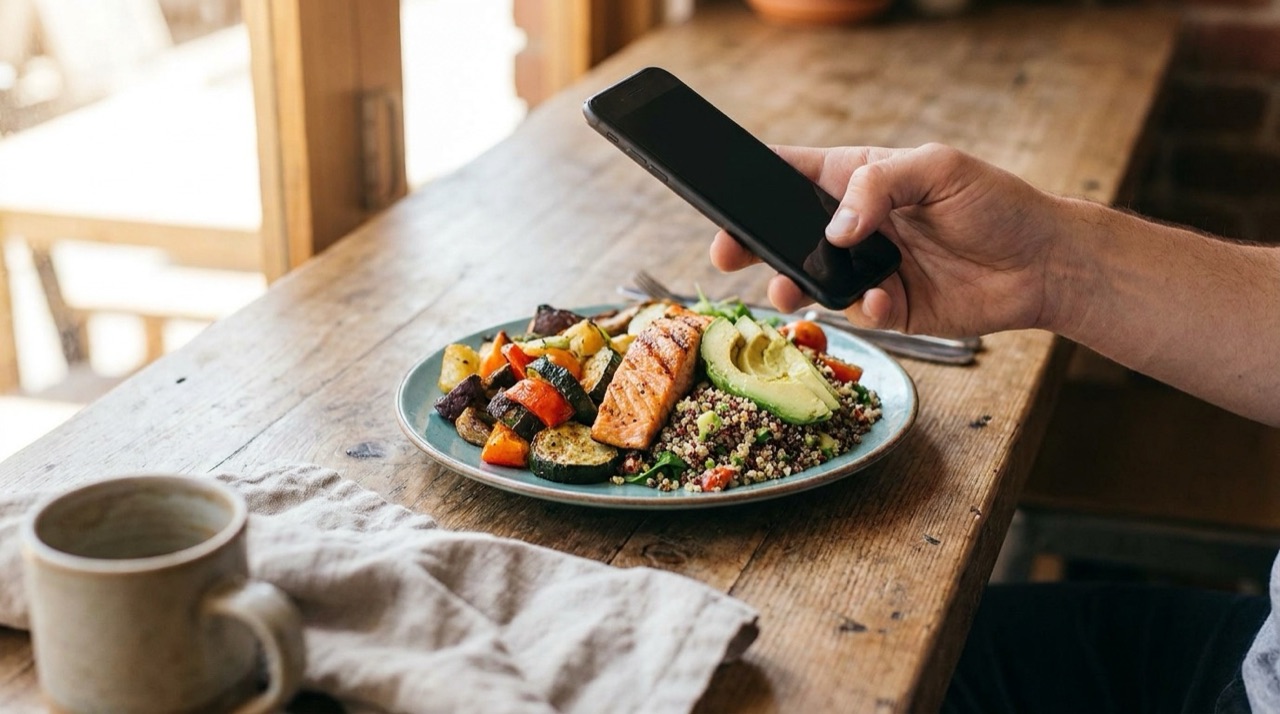
There are hundreds of calorie apps on the App Store, but they fall into a few clear types. Picking the right one is less about finding "the best app" and more about matching how it logs food to how you actually eat.
Prices and features change often. Check the App Store listing for current pricing before you subscribe.
The two main approaches
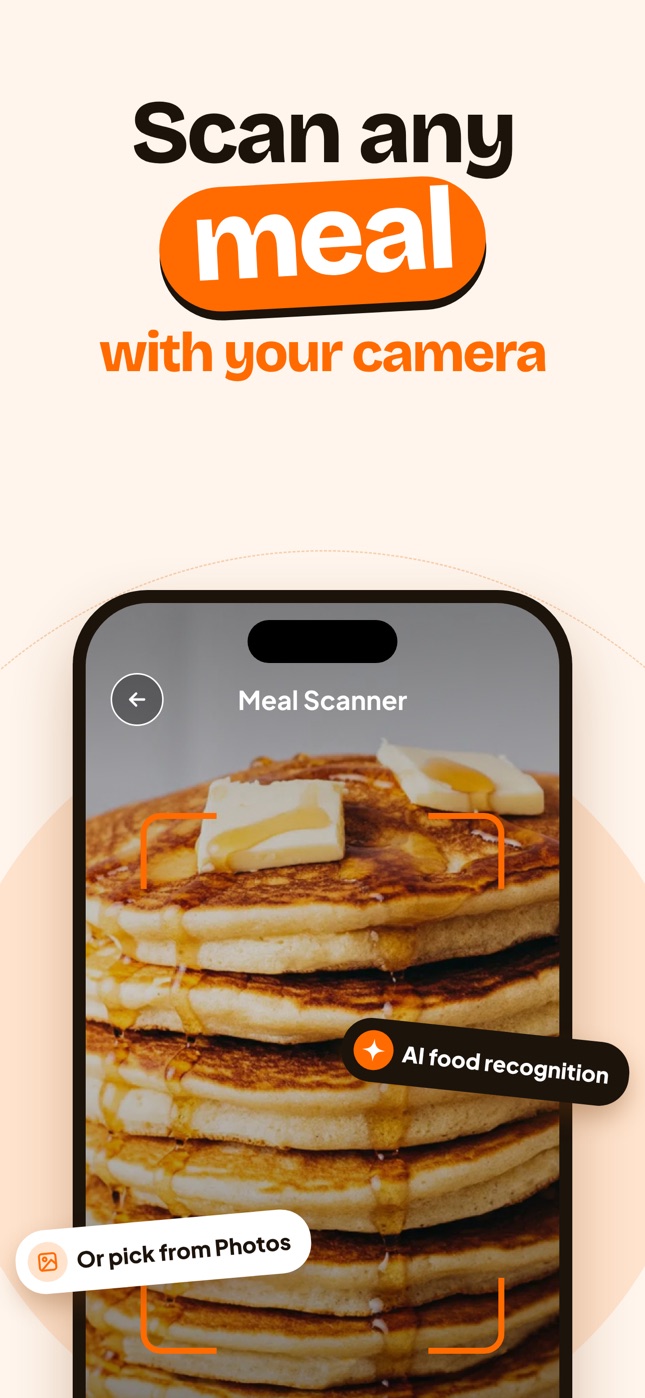
Photo-first AI trackers estimate calories from a picture of your meal. They're fast and great for mixed dishes and eating out, but give estimates rather than exact values.
Database trackers have you search a food database or scan barcodes and enter amounts. They're precise for packaged foods and weighed portions, but slower.
Many apps now mix both.
Apps worth knowing
Nutora: photo-first AI calorie counter
Snap or upload a meal photo and Nutora estimates calories, protein, carbs, fat and a health score, then tracks it against a personal daily plan built from your goal. It also has an AI nutrition chat, weight tracking and meal reminders in 33 languages. Free download with a 3-day trial of Premium; US pricing is $3.99/week or $24.99/year. Best for: people who want logging to take seconds.
Cal AI: photo-first
One of the best-known photo calorie apps. Reviews generally praise its speed and criticize accuracy on complex meals. Paid subscription. If you're comparing, see Cal AI alternatives.
MyFitnessPal: the big database
Huge food database and barcode scanner, with AI and photo features added on top in paid tiers. Best for: people who want exact entries for packaged foods. See MyFitnessPal alternatives.
Lose It!
Database plus barcode scanning with a simple goal-based plan; some photo features. Popular for straightforward weight loss tracking.
Cronometer
Tracks a long list of micronutrients (vitamins and minerals). Best for: detail-oriented users and people working with a dietitian.
MacroFactor
A paid macro tracker known for its adaptive calorie targets based on your weight trend. Best for: lifters and data-minded users.
How to choose
| If you… | Look for |
|---|---|
| Hate logging and quit before | Photo-first AI |
| Eat lots of packaged food | Barcode scanner and database |
| Track protein for training | Macro targets and quick edits |
| Want vitamins and minerals | Micronutrient tracking |
| Speak a language other than English | Full localization |
Free vs. paid
Most apps offer a free tier or free trial, and put AI photo logging behind a subscription because image analysis costs money to run. Read free vs. paid calorie trackers before you decide.
Our take
Pick the app you'll still open in a month. For most people, that's the one with the least friction per meal. Start with the basics in how to start counting calories.
Frequently asked questions
What is the most accurate calorie tracking app?
For packaged and weighed foods, database apps with verified entries are most precise. For mixed and restaurant meals, AI photo apps are faster but give estimates.
Is there a calorie tracker that works with pictures on iPhone?
Yes. Photo-first apps like Nutora and Cal AI estimate calories from a meal picture.
Which calorie app is best for beginners?
One that's quick to use every day. Photo-based logging is the easiest habit to start.
Do calorie tracker apps work on iPad?
Many do, including Nutora.
Track it with a photo
Snap your meal, see the calories
Nutora's AI estimates calories, protein, carbs and fat from a photo of your plate and tracks them against your daily goal. Download on iPhone and iPad with a 3-day free trial.
Download on theApp Store